Usability improvements for Automations
Automations is now releasing usability improvements to the visual builder and more, making it faster to build and easier to spot and fix issues as you go.
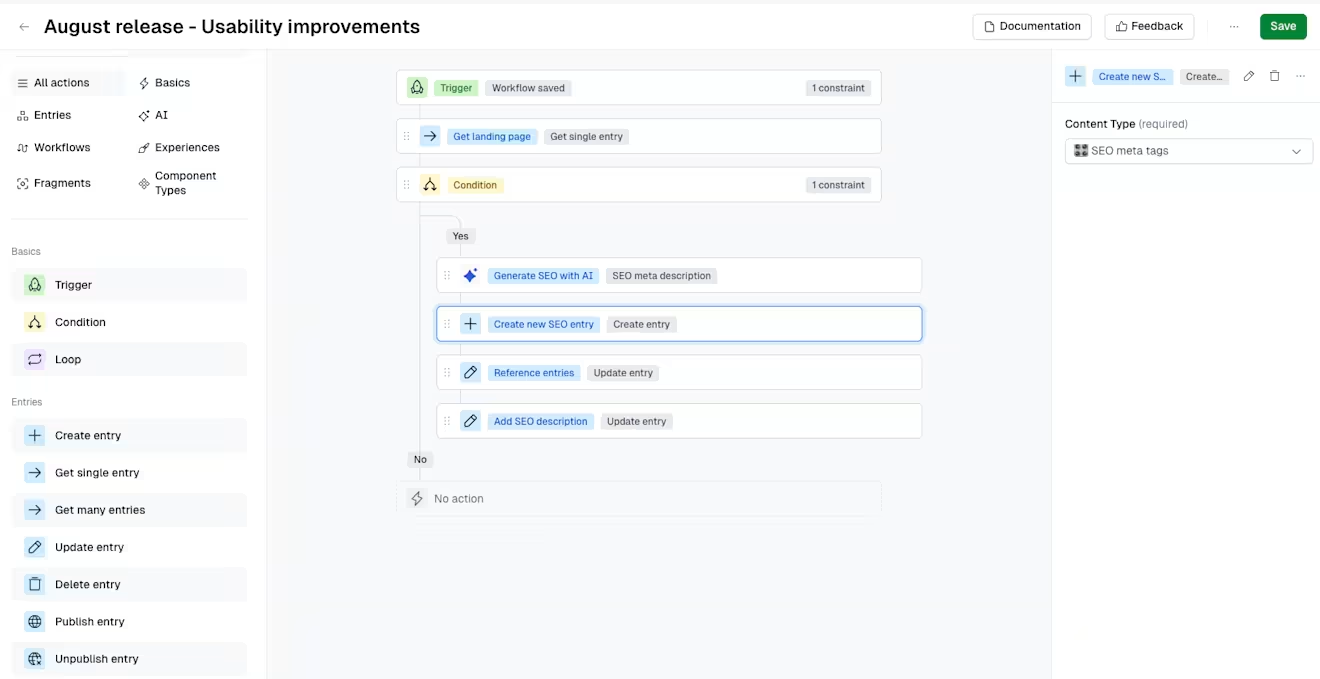
- Auto-save on nodes: Changes to a node are saved automatically as you configure it, so you only need to click Save once for the full automation.
- Visual validation errors: Misconfigured nodes are flagged in real time with a red indicator on the canvas and sidebar, so you know exactly what to fix.
- Guided and filtered field selectors: Dropdowns now use a two-stage category-then-value flow, and field pickers automatically narrow to the relevant content type's fields.
- Drag-to-reorder: You can drag any step to a new position directly in the canvas instead of deleting and re-adding it.
We've also added the ability to copy a step's ID directly from its node for use in advanced configurations, and AI Action nodes can now optionally validate their output against a target field before passing it downstream, helping catch mismatches early and avoid failures further along in the automation.
For more information, read Work with automations and Automations: use cases.